JavaScript · Study planning
StudyOps
A browser study workspace for turning scattered course material into notes, review tools, deadlines, and a plan for what to tackle next.
HTML · CSS · JavaScript · Browser storage
- Add your material
- Plan your tasks
- Review with flashcards
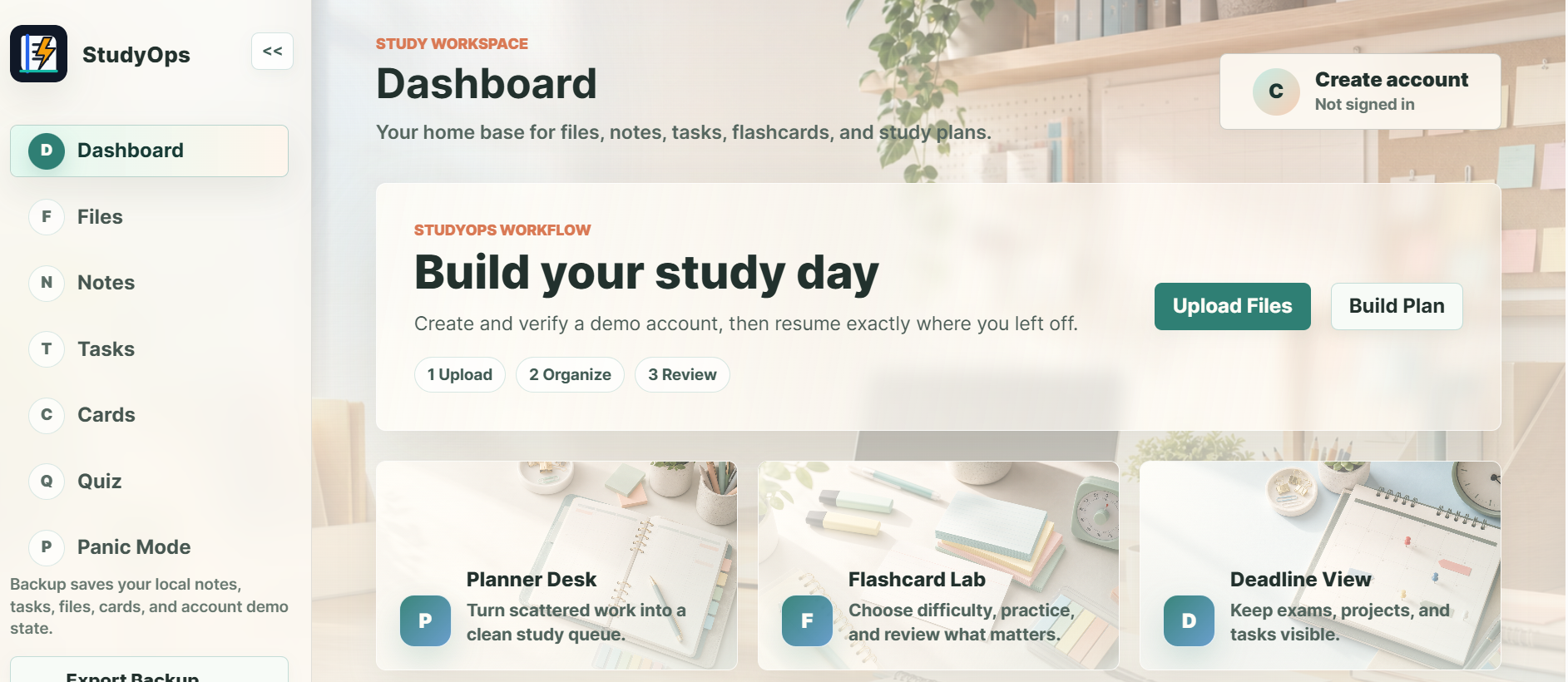
Notes and files
Import text files, save course notes, and track tasks alongside flashcards and deadlines. The dashboard pulls them into a study queue.
Tasks include due dates, priority, time estimates, and completion status. Course notes and recent files sit alongside those tasks, so the dashboard can build a study queue from saved material.
Flashcards and quizzes
Text imports and notes can generate summaries, flashcards, quizzes, and deadlines using local text-processing rules. PDF, image, and Word contents are not extracted.
Quizzes can be filtered by study set, difficulty, and card count. Text extraction supports formats such as TXT, Markdown, CSV, and JSON. Other file types can appear in the file list without their contents being extracted.
Panic Mode
Choose an exam, quiz, assignment, or presentation preset to make a timed study plan. Tasks include priorities, due dates, and time estimates.
Storage and backups
Data stays in the current browser. Export a JSON backup to keep a copy or move it to another browser. The account screens run locally and do not send email or provide cloud accounts.