Canvas · Gesture combat
Arcane Duel
Draw spells in a browser combat game with health, mana, cooldowns, and difficulty settings.
JavaScript · Canvas · HTML · CSS
- Choose a difficulty
- Draw a spell
- Defeat the opponent
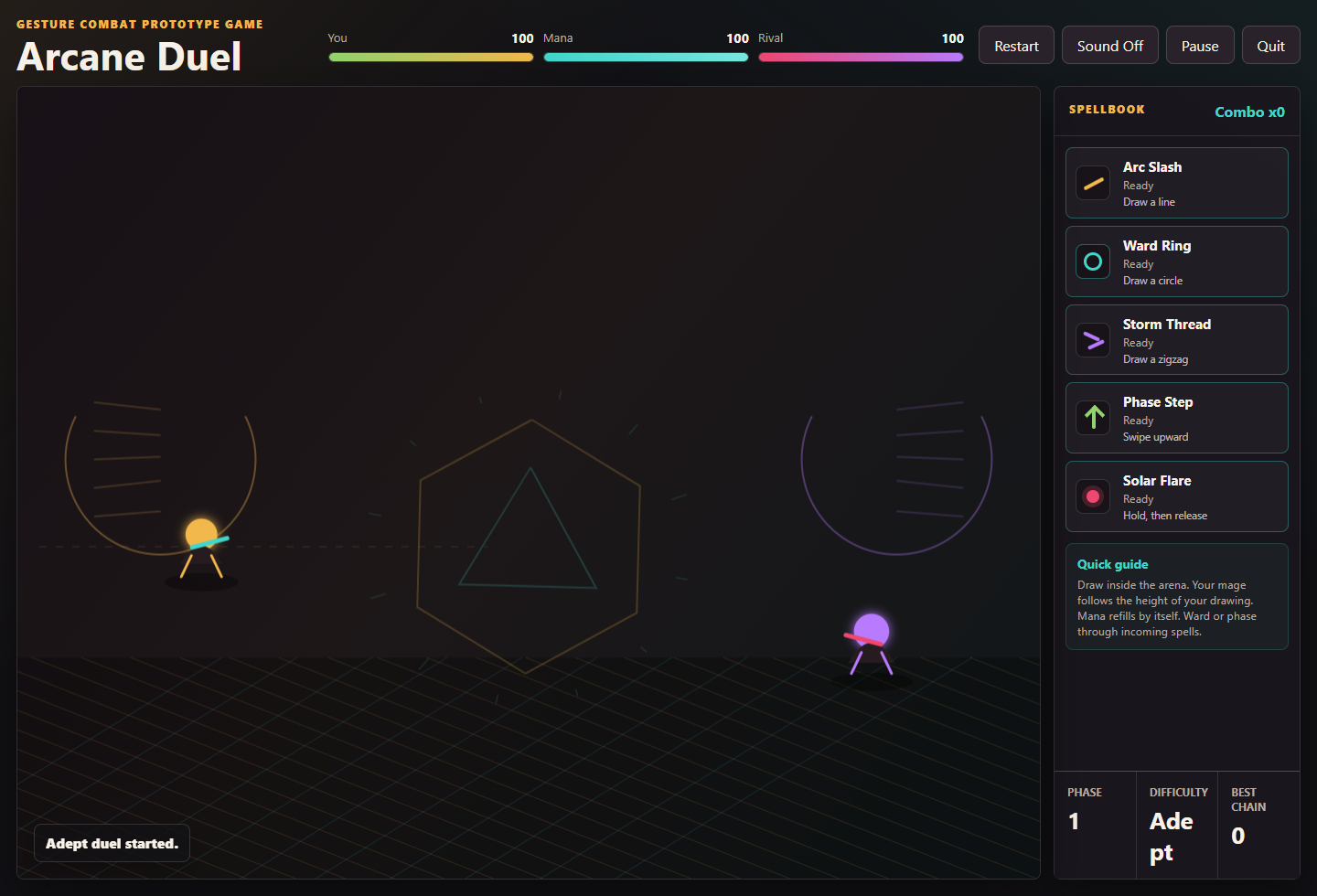
Draw to cast
Draw a line, circle, zigzag, or swipe to cast a spell. Gesture recognition uses the pointer path’s shape, speed, and direction. Drawing higher or lower also moves the mage toward that lane.
A fast line casts Arc Slash, a circle casts Ward Ring, and a zigzag casts Storm Thread. Upward swipes trigger Phase Step; holding and releasing casts Solar Flare. Mouse, stylus, and touch input use the same pointer handling.
Combat and controls
The canvas game loop handles projectiles, collisions, shields, and spell effects. Difficulty changes the opponent’s health, timing, and behavior. Pause, restart, sound, and quit controls are available during play.
The opponent can dodge incoming spells, shield attacks, and change its timing. Spell effects include particles, afterimages, and hit feedback. Optional sounds use the Web Audio API.