Next.js + AI · Food assistant
SnapChef
Turn a food photo into recipe ideas, ingredient suggestions, and nutrition estimates, with saved scans and account history.
Next.js · React · TypeScript · Supabase · AI APIs
- Upload a photo
- Adjust the recipe
- Save it for later
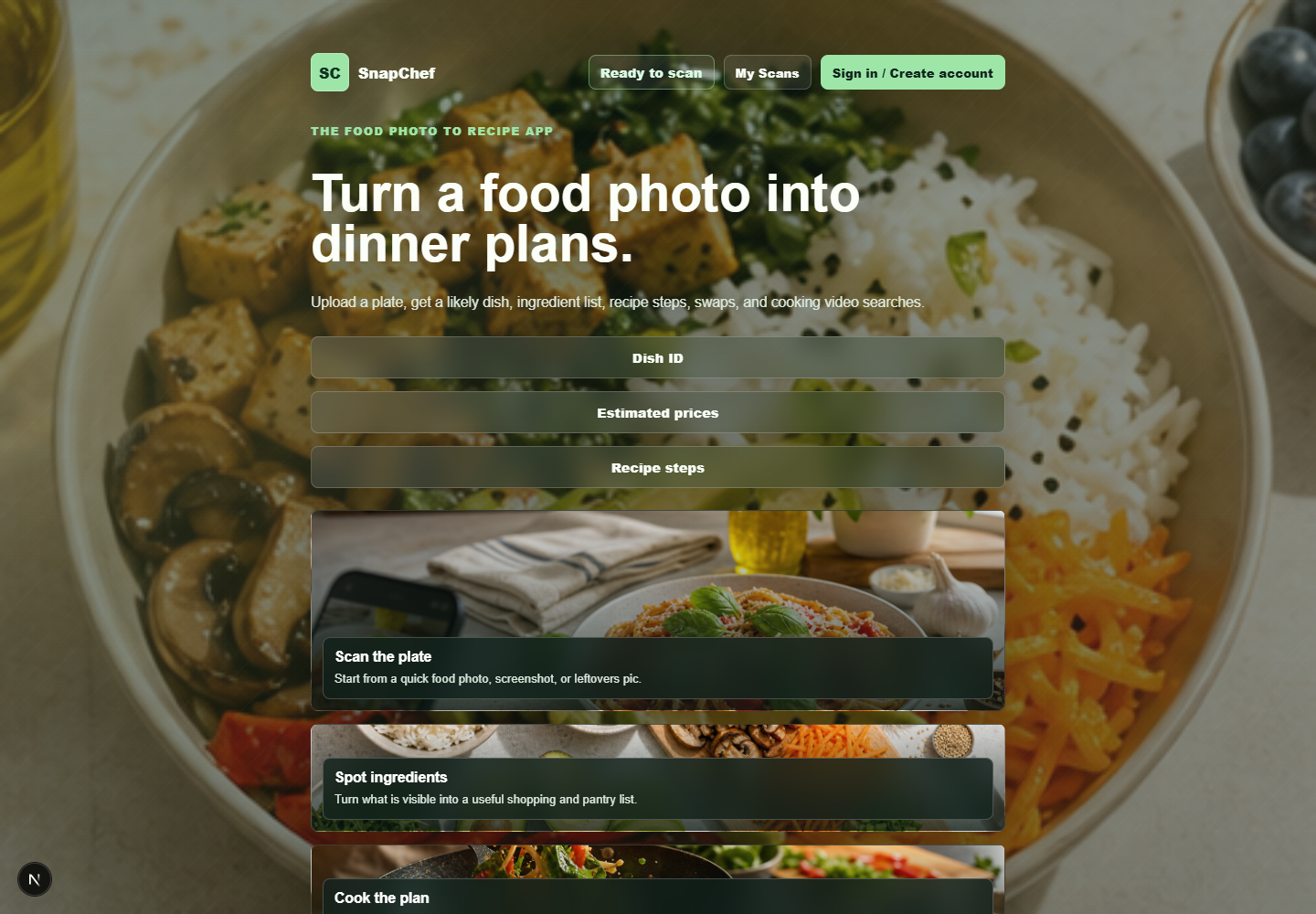
Recipes from food photos
Upload a food photo, choose servings, and add dietary or equipment preferences. SnapChef returns recipe ideas, ingredients, cooking steps, substitutions, and shopping estimates.
Results include servings, recipe steps, substitutions, nutrition estimates, and a shopping list. Preferences can describe dietary needs, available equipment, and grocery region. Users can copy, download, or share a recipe.
Analysis and accounts
A Next.js server route sends the image to the configured AI provider and keeps the API key on the server. Supabase handles sign-in and saved recipes, which can be reopened from My Scans.
My Scans shows the ten most recent saved recipes and lets users reopen or delete them. Saving stores the recipe in the signed-in user’s database records and attempts to upload its photo.
Uploads and errors
JPEG, PNG, and WebP uploads share a 3 MB limit across the client and API. Invalid files, provider failures, and timeouts show an error with an option to try again.
The built-in example lets visitors try the results screen without making an analysis request. Provider outages and quota failures display an error instead of quietly substituting that example.
Code and tests
Upload, account, history, and result views have separate components. Automated tests cover invalid uploads, failed requests, saved history, cleanup after failed saves, and sign-out behavior. AI and Supabase calls are mocked in tests.
History tests cover loading, saving, deleting, and failed-upload cleanup. They also check that an old history request cannot repopulate the screen after a user signs out.
Estimates and photo storage
Ingredients, allergens, nutrition, and prices cannot be verified from a photo alone. The built-in example is labeled. Saved recipe rows are private to their owner, but saved photos currently use a public bucket and can be viewed by anyone with their URL.